
10 Easy Ways to Share Wedding Photos With Your Guests
Discover 10 easy ways to share wedding photos with your guests, including QR code photo sharing, online galleries, guest uploads, and no-app photo sharing.

A wedding is filled with moments that deserve to be remembered. From the ceremony and family portraits to dancing, laughter, candid conversations, and unexpected moments, guests capture hundreds of photos throughout the celebration.
The challenge comes after taking those photos. Guests may keep pictures on their phones, send a few through WhatsApp, or forget to share them altogether. The couple may eventually receive photos from only a small number of guests.
A better approach is to make wedding photo sharing simple from the beginning. Instead of asking guests individually to send their pictures, you can give everyone an easy way to contribute and access wedding memories.
Here are 10 easy ways to share wedding photos with your guests and collect more memories from your special day.
1. Use a Wedding Photo-Sharing QR Code
One of the easiest ways to share wedding photos with guests is to provide a QR code that takes them directly to the wedding photo-sharing experience.
Guests can scan the QR code using their smartphone and join the wedding photo collection. Once they join, they can share photos they captured during the celebration.
The QR code can be displayed at the wedding entrance, reception area, dining tables, welcome board, invitation materials, or on screens at the venue.
This approach works especially well when many guests are attending because people can join without manually searching for a long website link.
2. Create a Shared Online Wedding Photo Gallery
A shared online wedding photo gallery gives the couple and guests a central place for wedding memories.
Instead of keeping photos scattered across different phones and messaging conversations, photos can be collected around the same wedding event.
A shared gallery can include professional wedding photography as well as photos captured by friends and family.
3. Let Guests Upload Their Own Photos
Professional photographers capture important wedding moments, but guests often capture moments that happen outside the photographer's view.
A guest might photograph a funny conversation, a family reaction, a dance-floor moment, a group selfie, or a candid picture of the couple.
Allowing guests to upload their own photos creates a more complete collection of the wedding.
Instead of collecting only professional photographs, the couple can preserve memories from many different perspectives.
4. Share Wedding Photos Without Requiring an App
Asking every wedding guest to download a new app can create unnecessary friction.
Some guests may not want another app on their phone, while others may have limited storage or simply not want to create another account.
A browser-based wedding photo-sharing experience can make participation easier because guests can use their smartphones without installing a separate app.
This can be particularly useful for large weddings where guests may be joining from different cities, states, or countries.
5. Put the Photo-Sharing QR Code on Wedding Tables
Wedding guests spend a significant amount of time at tables during meals and celebrations. This makes tables a useful place to display a wedding photo-sharing QR code.
You can place a small card on each table with a simple message such as:
Scan the QR Code to Share Your Wedding Photos
Guests can scan the code whenever they have photos they want to contribute.
6. Display the QR Code at the Wedding Entrance
The entrance is another excellent location for a wedding photo-sharing QR code.
Guests can scan the code as they arrive and join the wedding photo collection before the celebration begins.
A welcome board can include a short instruction such as:
Welcome! Scan to Join the Wedding Photo Gallery
7. Combine Professional and Guest Photos
A professional photographer provides high-quality wedding photography, but guest photos add another perspective.
Professional photos may focus on planned portraits, ceremonies, decorations, and important moments. Guests often capture spontaneous memories that happen between those moments.
- Professional wedding photographs
- Candid guest photographs
- Family photos
- Friends' group photos
- Selfies
- Dance and celebration photos
- Behind-the-scenes moments
Combining these different types of photos can create a richer wedding photo collection.
8. Make It Easy for Family and Friends to Contribute
Not every guest will remember to share their photos later. The easier the process is during the wedding, the more likely guests are to participate.
A simple QR code can reduce the number of steps required. Guests can scan, join, and upload photos from their smartphones instead of searching for contact details or sending individual messages.
This can be especially useful for large Indian weddings where several groups of family members and friends may attend different ceremonies and celebrations.
9. Avoid Using Multiple WhatsApp Groups for Wedding Photos
WhatsApp can be useful for communication, but it may not be the best place to organize a large wedding photo collection.
Photos can quickly become mixed with conversations, videos, announcements, stickers, and other messages. Finding a specific photo later can also become difficult.
A dedicated wedding photo gallery keeps the purpose focused on photos and memories.
Instead of creating several groups for different family members or ceremonies, a dedicated event photo collection can give guests one central place to share their memories.
10. Collect Photos During the Wedding Instead of After It
One of the biggest mistakes couples make is waiting until after the wedding to collect guest photos.
After the celebration, guests become busy with travel, work, family responsibilities, and everyday life. Messages asking for photos can easily be forgotten.
Collecting photos during the wedding makes the process more natural.
Guests are already taking pictures, so giving them a simple way to contribute while the event is happening can help preserve more candid moments.
Why Guest Photos Are Important for Weddings
Wedding photography is not limited to the pictures taken by the official photographer.
Every guest experiences the wedding differently. One person may capture the bride's family laughing together, another may photograph friends dancing, and someone else may capture a candid moment between relatives.
These photographs can become some of the most personal memories from the wedding.
Wedding Photo Sharing for Indian Weddings
Indian weddings can include multiple ceremonies, large guest lists, extended families, and celebrations that continue across several days.
Events such as engagement ceremonies, haldi, mehndi, sangeet, wedding ceremonies, receptions, and family gatherings can all generate large numbers of photos.
A dedicated wedding photo-sharing system can help bring memories from these different celebrations together.
How PicsaDrop Can Help With Wedding Photo Sharing
PicsaDrop is designed around simple event photo sharing. An organizer can create an event and provide guests with a QR code.
Guests can scan the QR code, join the event, upload photos, and access photos shared through the event without needing to download a separate app.
This makes PicsaDrop useful for weddings, receptions, family celebrations, birthdays, parties, corporate events, school functions, festivals, and other occasions where many people are taking photos.
Simple Wedding Photo-Sharing Checklist
- Create your wedding photo-sharing event
- Generate or display the event QR code
- Place the QR code at the entrance
- Add QR-code cards to wedding tables
- Tell guests they can contribute their photos
- Encourage guests to upload candid moments
- Combine guest photos with professional photography
- Keep wedding memories in one organized collection
Frequently Asked Questions
What is the easiest way to share wedding photos with guests?
A shared online wedding photo gallery is one of the easiest options. Using a QR code can make it simple for guests to join the event and share photos from their smartphones.
How can I collect wedding photos from guests?
You can create a dedicated wedding photo collection and provide guests with a QR code or sharing link. Guests can then upload the photos they captured during the wedding.
Can wedding guests share photos without downloading an app?
Yes. A browser-based photo-sharing experience can allow guests to join and upload photos without installing a separate mobile app.
How does QR code wedding photo sharing work?
The wedding organizer displays a QR code connected to the event. Guests scan it using their smartphone, join the event, and can then participate in the wedding photo collection.
Where should I display a wedding photo-sharing QR code?
Useful locations include the wedding entrance, reception desk, welcome board, dining tables, venue screens, invitation materials, and other places where guests can easily see and scan the code.
Can guests upload candid wedding photos?
Yes. Guest uploads can include candid moments, family pictures, selfies, group photos, dance-floor pictures, and other memories captured during the wedding.
Can professional wedding photos and guest photos be collected together?
Yes. Combining professional photography with guest photos can create a more complete collection of the wedding and capture moments from different perspectives.
Is wedding photo sharing useful for Indian weddings?
Yes. Indian weddings often involve multiple ceremonies and large groups of family and friends, which can result in many photos. A shared photo collection can make it easier to organize and preserve these memories.
Can PicsaDrop be used for weddings in India?
Yes. PicsaDrop can be used for wedding and event photo sharing in India. Guests can participate using their smartphones, making it suitable for weddings and celebrations in cities and towns across India.
Can I use PicsaDrop for events other than weddings?
Yes. The same event photo-sharing approach can be used for birthdays, parties, corporate events, conferences, school events, festivals, family gatherings, and other celebrations.
Make Wedding Photo Sharing Simple
Your wedding memories should not be scattered across hundreds of phones, individual messages, and different WhatsApp conversations.
A simple wedding photo-sharing system can make it easier for guests to contribute their pictures and for the couple to collect more moments from the celebration.
From QR code sharing and online galleries to guest uploads and no-app access, there are many ways to make wedding photo sharing easier.
The most important thing is to make participation simple. Give guests an easy way to join, share their photos, and access the memories captured by everyone.
With PicsaDrop, you can turn your wedding guests into memory contributors and create a richer collection of moments from your special day.
Next step
Ready to build a better event gallery?
Use PicsaDrop to collect guest photos, keep full quality, and share everything from one simple link.
More from the blog
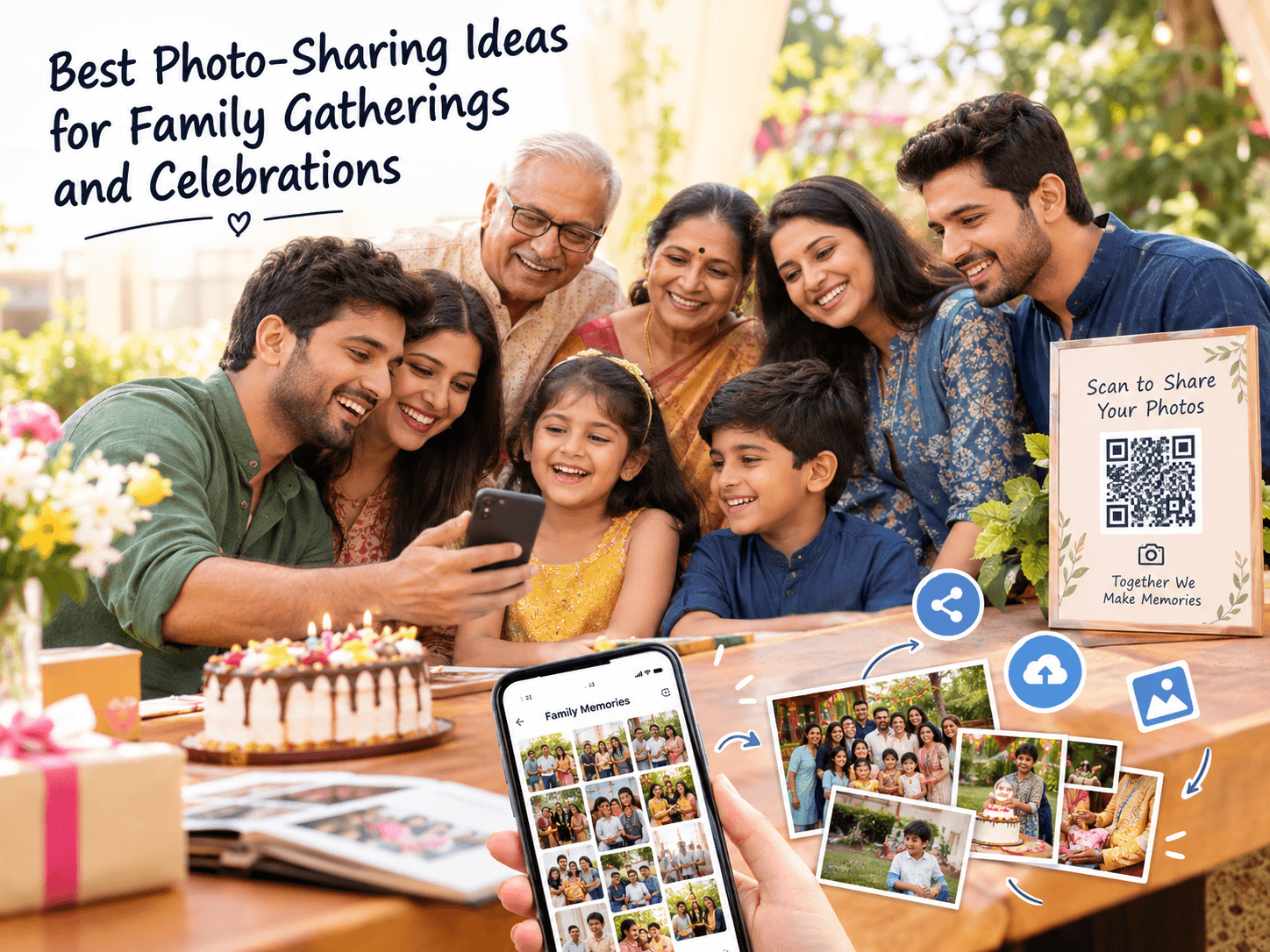
Best Photo-Sharing Ideas for Family Gatherings and Celebrations
Discover simple photo-sharing ideas for family gatherings, reunions, birthdays, anniversaries, and celebrations. Learn how to collect guest photos, create shared albums, and preserve family memories.
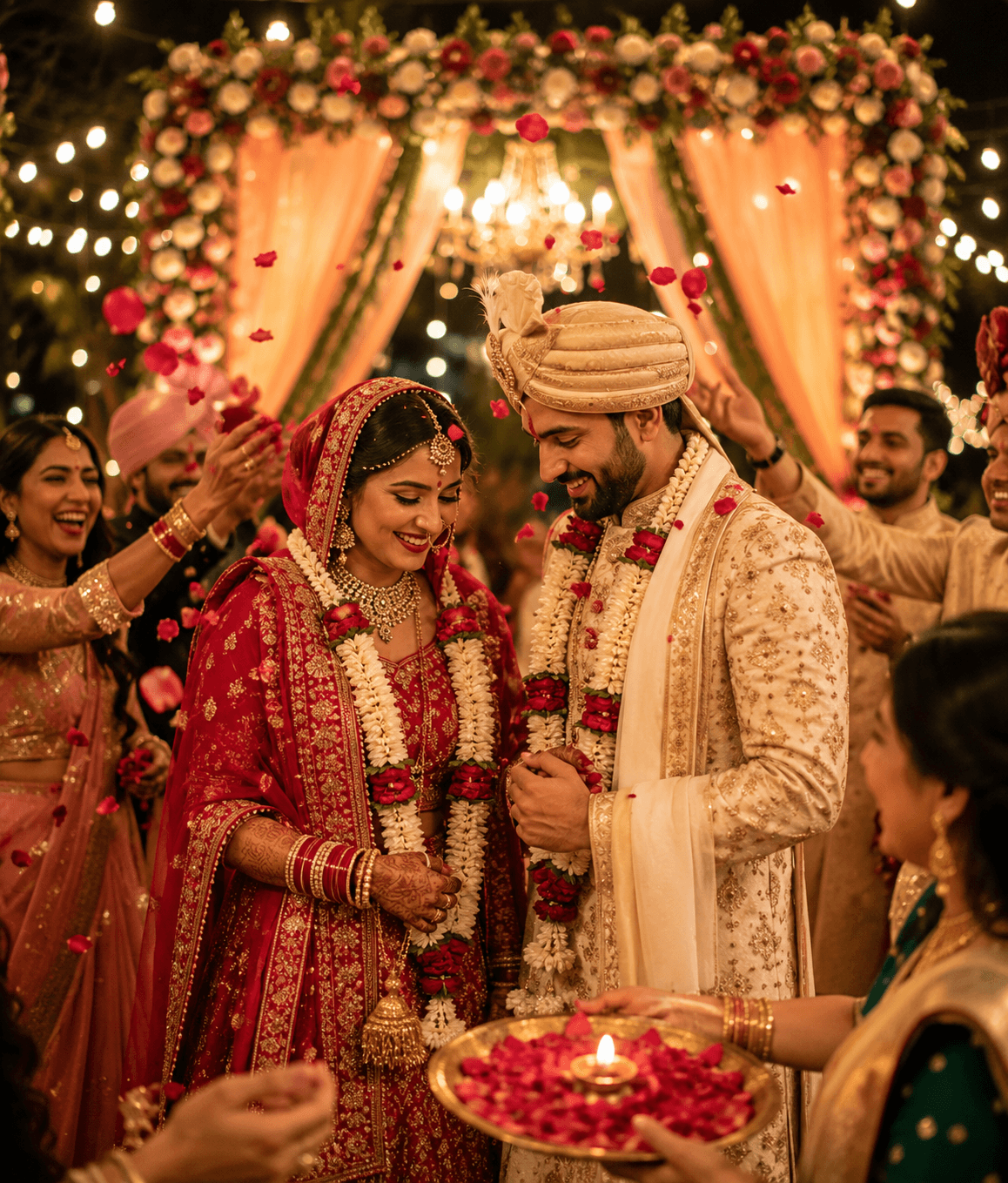
How to Share and Collect Event Photos Without an App: Just Scan a QR Code
Learn how to share and collect event photos without an app using a QR code. Guests can join, upload photos, and receive event photos easily.

Best Practices for Organizing Wedding and Party Albums
A few structure choices can turn a messy photo dump into a gallery people actually enjoy browsing.